
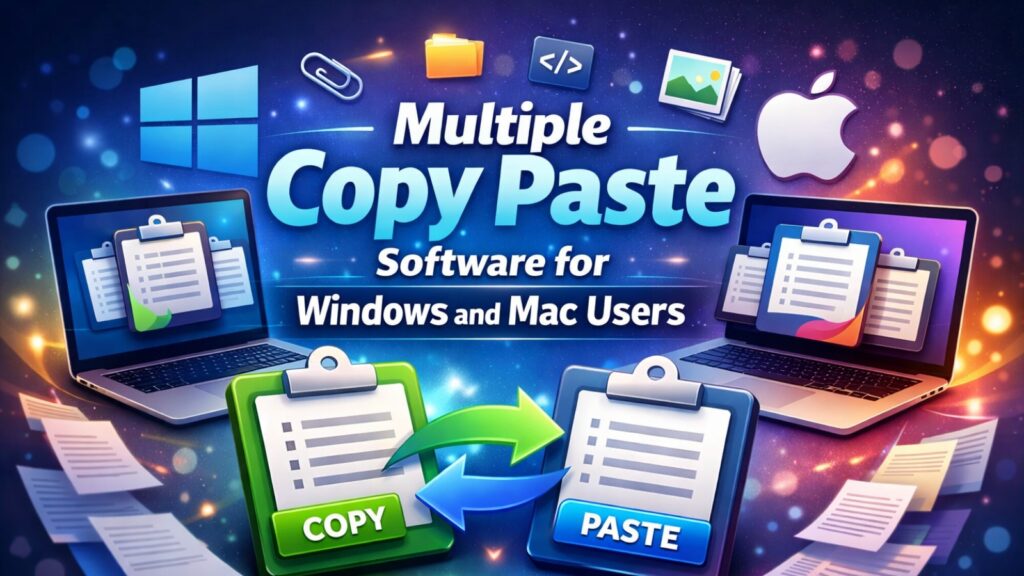
This is where multiple copy paste software becomes essential. Instead of losing previously copied content, these tools store your entire clipboard history, allowing you to paste anything Copying and pasting the same text repeatedly may like a small task, but over time it quietly slows down productivity. Writers, developers, designers, and office professionals often juggle multiple snippets, links, and data entries throughout the day. Unfortunately, the default clipboard can only remember one copied item at a time.
instantly. In this guide, you’ll learn what multiple copy paste software is, how it improves daily workflows, and which tools are actually worth it.
Key Takeaways
- Clipboard tools store multiple copied items instead of replacing them.
- They reduce repetitive work and improve accuracy during multitasking.
- Writers, developers, designers, and office teams benefit the most.
- Advanced tools include search, folders, shortcuts, and security features.
- Using a clipboard manager consistently can save hours every week.
What Is a Clipboard Manager and How Does It Work?
A clipboard manager is a productivity application that expands the functionality of your system clipboard. Instead of overwriting the last copied item, it stores a history of copied text, links, images, and sometimes files. Users can browse this history, search specific entries, and paste any saved item instantly.
This approach turns copied data into a reusable resource. For example, writers can keep headlines and introductions ready, developers can reuse common code blocks, and office professionals can paste recurring information without retyping it. Over time, this eliminates unnecessary repetition and speeds up everyday tasks.
Modern tools often include features like keyboard shortcuts, search filters, and optional cloud syncing. These additions make clipboard data easier to manage and accessible across different work environments.
Why Managing Clipboard History Matters in Daily Work
In today’s fast-paced digital environment, multitasking is unavoidable. A single project may involve emails, documents, browsers, chat tools, and spreadsheets. Each switch between apps increases the chance of losing copied content or duplicating effort.
By storing clipboard history, professionals avoid interruptions caused by searching for previously copied information. Instead of redoing work, they can focus on execution and creativity. This is especially useful during long work sessions where efficiency directly affects output quality.
Using multiple copy paste software removes one of the most common workflow limitations and replaces it with a flexible, time-saving system that works quietly in the background.
My Experience Using Clipboard Tools in Real Workflows
After using clipboard managers for content writing and technical tasks, the impact on productivity becomes noticeable within days. Instead of keeping multiple tabs open to retrieve links or references, everything stays accessible in one place.
For writing-heavy tasks, having instant access to saved phrases and formatting elements reduces mental load. During development work, reusing configuration snippets and commands avoids errors caused by manual retyping. Over time, these small improvements compound into significant time savings and smoother workdays.
The key difference is consistency. Clipboard tools provide the most value when they become part of your daily workflow rather than an occasional utility.
How Clipboard Tools Improve Team Collaboration
Collaboration often involves repeating the same information across platforms. Teams share responses, templates, code snippets, and documentation daily. Without a centralized system, this information gets scattered across emails and chat threads.
Clipboard managers help teams maintain consistency by storing reusable content in organized folders. Customer support teams can keep approved replies, marketing teams can manage promotional text, and developers can share standard code elements. This reduces duplication and ensures accuracy across communication channels.
When everyone works from the same saved content, collaboration becomes faster and more reliable.
Essential Features to Look for in multiple copy paste software
Not all clipboard tools offer the same level of functionality. Choosing the right one depends on your workflow needs.
Extended History Storage
Advanced tools store hundreds or even thousands of copied items, allowing access days or weeks later without losing data.
Search and Organization
Instant search, tagging, and folder systems make it easy to locate specific entries quickly. This is crucial for users who handle large volumes of text daily.
Keyboard Shortcuts
Custom shortcuts allow users to paste specific items instantly, keeping hands on the keyboard and workflows uninterrupted.
Cloud Sync Options
Some tools offer synchronization across devices, which is helpful for remote workers switching between systems.
Security and Privacy Controls
Since clipboard data may include sensitive information, encryption and password protection are important features for professional use.
Popular Clipboard Tools Worth Considering in 2025
| Tool | Platform Support | Best For | Cost |
| Ditto | Windows | Heavy clipboard use | Free |
| CopyQ | Windows, Mac, Linux | Power users | Free |
| ClipClip | Windows | Content creators | Free |
Ditto
Ditto is a lightweight and reliable option for Windows users. It supports unlimited clipboard history and provides a simple interface that works well for beginners and professionals alike.
CopyQ
CopyQ is known for its customization and scripting capabilities. It’s suitable for developers and technical users who want deeper control over clipboard behavior.
ClipClip
ClipClip focuses on organization and usability. It’s popular among writers and marketers who need structured access to reusable content.
Real-Life Use Cases Across Different Professions
Clipboard tools are not limited to technical users. Writers use them to store outlines, CTAs, and formatting elements. Designers save color codes, file paths, and asset references. Developers reuse functions, queries, and configuration files.
Office teams benefit by storing customer details, pricing templates, and form responses. Instead of retyping information, they paste it instantly, reducing errors and saving time.
These practical applications show how small workflow optimizations can significantly improve daily productivity.
Choosing the Right Tool for Your Workflow
When selecting a clipboard manager, focus on simplicity and reliability. A tool should enhance speed without adding complexity.
Consider factors such as:
- Compatibility with your operating system
- Ease of navigation and setup
- Storage limits and performance impact
- Security features
- Availability of free or premium options
The best tool is one that fits naturally into your workflow and stays out of the way while working.
Best Practices for Using Clipboard Tools Efficiently
To get the most value from clipboard software, follow a few proven practices:
- Clear outdated entries regularly
- Organize clips into folders or categories
- Learn and customize keyboard shortcuts
- Avoid storing sensitive data longer than necessary
- Enable backups if available
These habits keep the clipboard clean and efficient over time.
Common Mistakes That Reduce Effectiveness
Some users fail to benefit fully from clipboard tools due to simple mistakes. Storing unnecessary data, ignoring security settings, or relying only on default shortcuts can limit productivity gains.
Exploring advanced features and customizing the tool according to personal comfort makes a noticeable difference in long-term use.
FAQs
Is clipboard software safe to use?
Yes, reputable tools offer encryption and privacy controls when downloaded from official sources.
Does it work offline?
Most tools work offline, with the internet required only for optional syncing features.
Will it slow down my system?
No, modern clipboard tools are lightweight and optimized for minimal resource usage.
Can I limit how much data is stored?
Yes, most tools allow manual limits for storage and history length.
Are free versions enough for daily use?
For most users, free versions provide more than enough functionality.
Conclusion
Efficiency often depends on how well small tasks are managed. Clipboard tools remove one of the most common productivity barriers by preserving copied data and making it instantly accessible. Over time, this simple change leads to faster workflows, fewer errors, and improved focus.
By adopting multiple copy paste software as part of your daily routine, you transform a basic action into a strategic advantage. Whether you work independently or as part of a team, managing clipboard history effectively can make your digital work smoother, faster, and far more organized.