

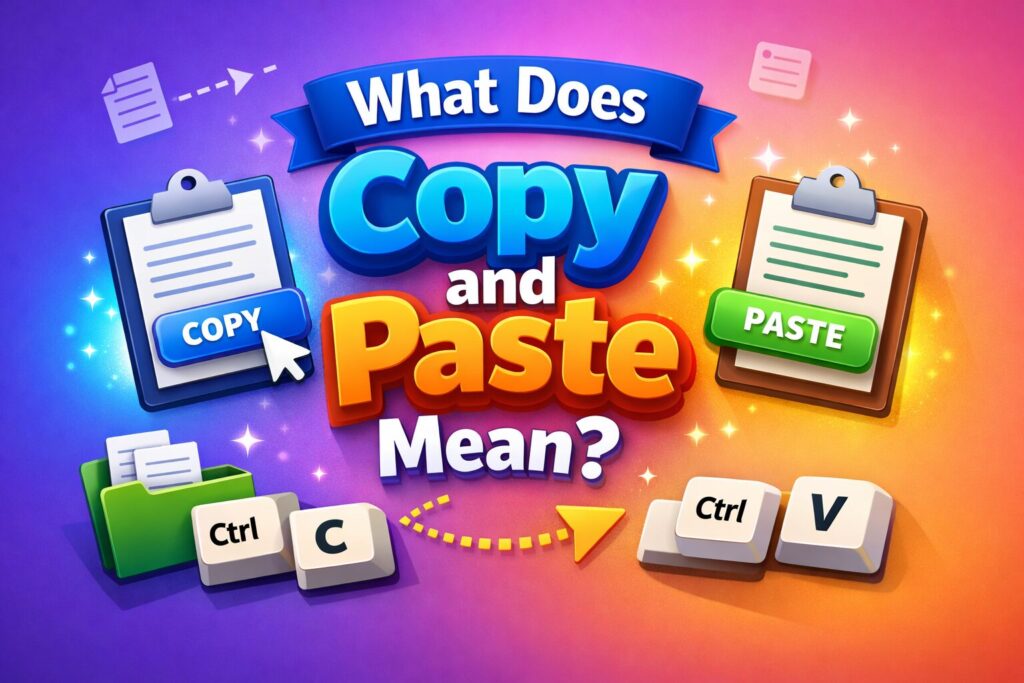
In today’s digital world, information moves fast, and simple tools play a big role in making everyday tasks easier. One such essential function is copy and paste. From writing documents and browsing the internet to managing files and working with code, this feature allows users to duplicate and reuse content instantly without extra effort.
Understanding what copy and paste mean is important for anyone who uses computers, smartphones, or tablets. It helps save time, reduces typing errors, and improves overall productivity across different applications and devices. Whether you are a student, professional, or casual user, mastering copy and paste can significantly streamline your digital workflow.
Key Takeaways
- Copy and paste is a digital function used to duplicate content quickly.
- It works through temporary storage called the clipboard.
- You can copy text, images, files, links, and even code.
- It saves time, reduces errors, and improves productivity.
- The feature works across computers, mobile devices, and apps.
- Advanced clipboard tools make copy-paste even more powerful.
What Is Copy and Paste?
Copy and paste is a basic but powerful computer function that allows users to duplicate digital content from one location and place it elsewhere without rewriting or recreating it. This feature is widely used for text, images, files, folders, links, and code across almost all digital devices.
In simple terms, the copy process creates a temporary duplicate of selected data, while paste inserts that data into a new location. The original content remains unchanged, making this method safe and efficient for everyday digital tasks.
Whether you’re working on documents, browsing the internet, or managing files, the copy and paste function plays a vital role in saving time and reducing manual effort.
Understanding the Meaning of Copy and Paste
The copy and paste concept involves two main actions:
- Copy: Select and duplicate content temporarily.
- Paste: Insert the duplicated content into another location.
When something is copied, it is stored in a background memory space known as the clipboard. This stored data stays available until you copy something new or restart the device.
This simple mechanism allows users to move or duplicate information instantly between documents, applications, or even different devices.
How Copy and Paste Works
From a technical perspective, copy and paste relies on system memory to function smoothly. Here’s how the process works:
- Select the text, image, or file you want to copy.
- Use a keyboard shortcut or menu option to copy it.
- The data is stored temporarily in the clipboard.
- Navigate to the destination location.
- Paste the content where needed.
Because the clipboard operates in the background, users can copy content once and paste it multiple times until it’s replaced by new copied data.
Common Keyboard Shortcuts for Copy and Paste
Using shortcuts makes copy and paste faster and more efficient.
On Windows
- Copy: Ctrl + C
- Paste: Ctrl + V
- Cut: Ctrl + X
On Mac
- Copy: Command + C
- Paste: Command + V
- Cut: Command + X
On Mobile Devices
- Tap and hold the content
- Select Copy or Paste from the menu
These shortcuts work across most applications and operating systems.
Why Copy and Paste Is Essential in Digital Work
The importance of copy and paste goes far beyond convenience. It is a core function that supports modern digital workflows.
Key benefits include:
- Time Savings: Instantly duplicate information.
- Accuracy: Avoid typing mistakes and formatting errors.
- Higher Productivity: Complete tasks faster.
- Content Reuse: Repurpose data without effort.
- Cross-App Compatibility: Move data between different programs.
Without copy and paste, even simple tasks like writing emails or editing documents would take significantly longer.
Real-Life Examples of Copy and Paste
The copy and paste feature is used in almost every profession:
- Students collect research notes and references.
- Writers duplicate content structures or drafts.
- Designers reuse visual elements in design tools.
- Office professionals transfer data between spreadsheets and reports.
- Developers copy code snippets to save time and reduce errors.
These examples show how deeply integrated this function is in everyday digital life.
Copy vs Cut: What’s the Difference?
Many users confuse copy and cut, but they serve different purposes.
- Copy: Duplicates content while keeping the original.
- Cut: Removes content from its original location.
- Paste: Inserts copied or cut content elsewhere.
Using cut is helpful when reorganizing content, while copy is ideal for duplication without risk.
Advanced Copy and Paste Features
Modern operating systems offer advanced copy-paste tools that enhance productivity:
- Clipboard History: Store multiple copied items.
- Cloud Clipboard: Sync clipboard across devices.
- Paste Without Formatting: Remove unwanted styles.
- Cross-Application Transfer: Copy between unrelated apps.
- Universal Clipboard: Copy on one device and paste on another.
These features transform copy and paste into a powerful productivity system.
Common Copy and Paste Problems and Solutions
Sometimes copy and paste may not work as expected. Common issues include:
- Clipboard not responding
- Formatting problems
- Images not pasting correctly
- Old content overwriting new copies
Simple fixes
- Restart the application or device
- Use “Paste as plain text”
- Clear clipboard history
- Update system software
Knowing these solutions helps maintain a smooth workflow.
The Evolution of Copy and Paste
The copy and paste idea was introduced in the 1970s by computer scientist Larry Tesler. His goal was to make digital editing easier and more user-friendly.
Over time, this feature became a universal standard across all operating systems, applications, and devices. Today, copy and paste represents efficiency, control, and creativity in the digital world.
Ethical Use of Copy and Paste
While copy and paste simplifies work, it should be used responsibly.
Best practices include:
- Giving credit to original sources
- Avoiding plagiarism
- Rewriting content in your own words
- Using copied material ethically in academic and professional work
Responsible use builds credibility and trust.
FAQs
What does copy and paste mean in simple words?
It means duplicating content from one place and inserting it into another without removing the original.
Can I copy and paste images or files?
Yes, you can copy text, images, files, folders, links, and code on most devices.
Why does copy and paste sometimes stop working?
Clipboard errors or temporary software issues can cause problems. Restarting usually fixes it.
How do I paste without formatting?
Use “Paste as plain text” or shortcuts like Ctrl + Shift + V on supported systems.
Conclusion
Understanding what copy and paste mean is essential in today’s digital world. This simple function forms the foundation of productivity across education, business, and creative work. By mastering copy and paste, users can save time, reduce errors, and work more efficiently across devices and applications.
As technology evolves, copy and paste continues to adapt, proving that even the simplest tools can have a powerful impact on how we work and communicate digitally.