
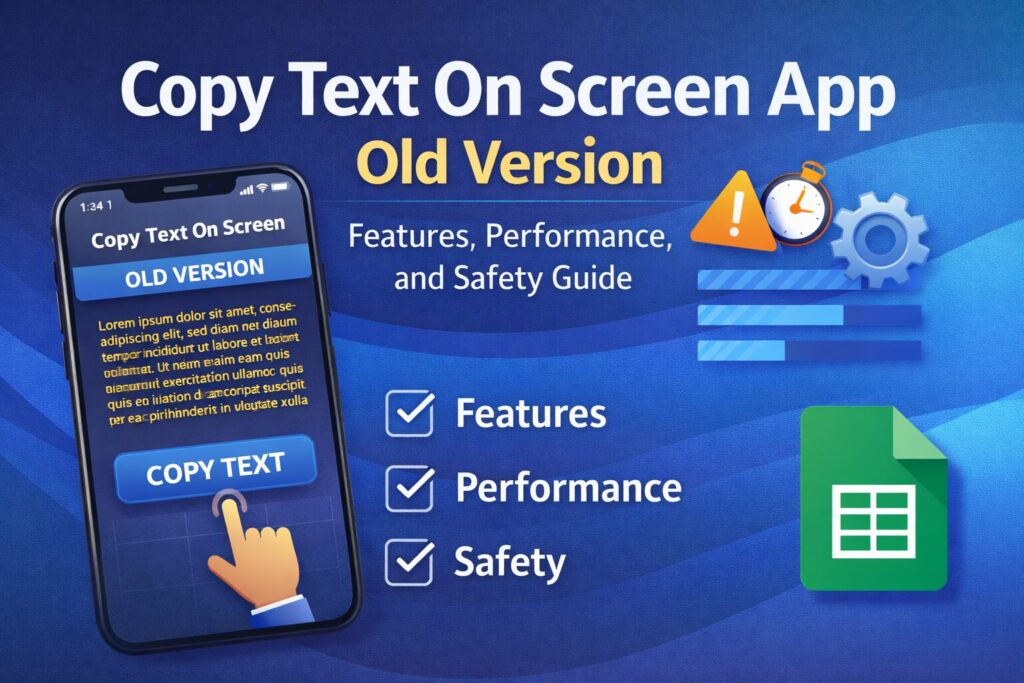
Copying text directly from images, screenshots, or on-screen content can save a significant amount of time, especially when manual typing is not practical. Copy Text On Screen is an Android application designed to solve this problem by using Optical Character Recognition (OCR) technology to detect and extract readable text from visual content.
Over time, users have discussed differences between newer updates and earlier builds of the app. Some prefer the older versions due to performance, layout familiarity, or device compatibility. This article provides a purely informational overview of the Copy Text On Screen app’s older versions, focusing on features, performance behavior, safety considerations, and real-world use cases.
Key Takeaways
- Older versions of the Copy Text On Screen app are often discussed for stability and simplicity.
- The app uses OCR (Optical Character Recognition) to extract text from images and screenshots.
- Some users report smoother performance on older Android devices with earlier builds.
- Older versions typically consume less storage and system resources.
- Safety, compatibility, and permissions should always be considered when using legacy app versions.
- This guide explains functionality and user experience, not app downloads.
What Is Copy Text On Screen and How Does It Work?
Copy Text On Screen is an OCR-based utility that allows users to select text displayed on their screen and convert it into editable and copyable format. Instead of retyping information, users can capture text from:
- Screenshots
- Photos stored in the gallery
- On-screen content such as images or scanned documents
The OCR engine analyzes visual patterns, identifies characters, and converts them into digital text that can be copied, edited, or shared.
Why Some Users Discuss Older Versions of the App
App updates usually aim to improve performance, security, or design. However, user needs vary depending on device specifications and personal preferences. Discussions around older versions often focus on:
- Compatibility with older Android systems
- Reduced storage and memory usage
- Simpler user interface
- Fewer background processes
For users with older or mid-range devices, these factors can influence overall app experience.
Performance Characteristics of Older Builds
Based on general user feedback and usage patterns, earlier versions of the app are often described as:
- Lightweight: Smaller app size and lower RAM usage
- Responsive: Faster launch times on older hardware
- Stable: Fewer background features that may affect performance
These characteristics can be useful on devices with limited system resources, though results may vary depending on Android version and device model.
Core OCR Features Available in Older Versions
Despite differences between versions, earlier builds typically retain the app’s main functionality, including:
- Text recognition from screenshots and images
- One-tap copy and share options
- Support for multiple printed languages
- Fast text extraction from clear images
For basic OCR tasks involving printed or typed text, functionality remains largely consistent.
Image Quality and OCR Accuracy
OCR performance depends heavily on image clarity. Regardless of app version, results improve when:
- Text is printed or typed rather than handwritten
- Images are well-lit and in focus
- Text appears on a high-contrast background
- Screenshots are used instead of low-quality photos
Clear source images significantly increase recognition accuracy.
Compatibility Considerations
Older versions may be discussed by users who:
- Use devices with limited RAM or storage
- Prefer earlier interface layouts
- Experience slower performance after updates
- Rely on offline functionality for basic OCR tasks
However, very old builds may not be compatible with the latest Android operating systems.
Safety and Privacy Considerations
Using older app versions requires additional attention to security. Best practices include:
- Installing apps only from trusted and official platforms
- Reviewing app permissions before use
- Avoiding modified or unofficial builds
- Keeping Android security updates enabled
- Backing up device data regularly
Older versions may lack recent security enhancements, making cautious usage important.
Old Version vs New Version: General Differences
| Aspect | Older Versions | Newer Versions |
| App size | Smaller | Larger due to added features |
| System usage | Lower | Higher on some devices |
| Interface | Simple and familiar | More modern design |
| Offline behavior | Often supported | More cloud-dependent |
| Updates | No longer maintained | Regularly updated |
This comparison is general and based on common observations rather than official specifications.
Practical Use Cases
The app is commonly used for everyday productivity tasks, such as:
- Students: Extracting text from slides or study material
- Professionals: Copying contact details or document data
- Writers: Saving quotes or references from images
- Travelers: Capturing printed information quickly
- General users: Avoiding manual typing from screenshots
For these scenarios, stability and speed often matter more than advanced features.
FAQs
Is using an older version of the app safe?
It can be safe if obtained from verified sources and used responsibly, but older versions may lack recent security updates.
Does OCR work offline in older builds?
Some earlier versions support offline text detection for basic OCR tasks, though advanced features may require internet access.
Can older versions work on new Android phones?
Compatibility varies. Some older builds may not install or function correctly on the latest Android versions.
Is OCR accuracy better in newer versions?
OCR accuracy for printed text is generally similar. Newer versions often focus more on interface changes and additional features.
Does the app recognize handwriting?
OCR works best with printed or typed text. Handwritten text may produce inconsistent results.
Conclusion
The Copy Text On Screen app remains a useful OCR tool for extracting text from images and on-screen content. Discussions around older versions typically focus on performance, simplicity, and device compatibility rather than missing functionality.
While newer versions offer updated designs and features, earlier builds may still meet the needs of users who value stability and lightweight performance. Understanding how the app works, its limitations, and safety considerations allows users to make informed decisions based on their devices and usage needs.